I don’t think it’s the first time for Amazon either.

- 34 Posts
- 103 Comments
Joined 1 year ago
Cake day: June 10th, 2023
You are not logged in. If you use a Fediverse account that is able to follow users, you can follow this user.
You’re never lonely with all your Demodex friends.

 5·2 months ago
I have an X220 with an i5-2520M, I don’t use it for gaming but I have briefly played Half-Life 2 with it and it was comfortably playable.
So I would say mid-2000s titles and before will be fine. It really depends on the age the Thinkpad you want is, and the age of the games you want to play.


Depends on your computing platform.
I see another reply has already covered Linux.
On a Mac, press and hold a character key and a list of accent characters will appear. There are also dead key combinations using the option key to enter special characters directly.

Seems a pointless endeavour. The open and enterprise sides are so deeply linked, it makes sense that they share a brand.
Separating them only weakens the broader SUSE ecosystem.
I like containers. But they do have a habit of nurturing cludgy temporary hacks into permanent infrastructure, by sweeping all the ugly bits under the big whale-shaped rug.
 8·4 months ago
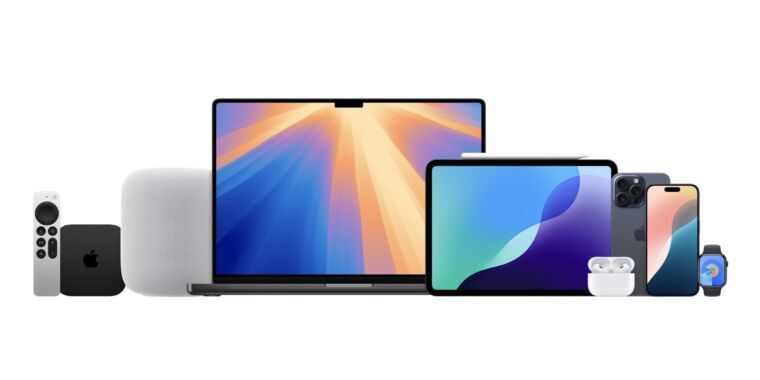
Hopefully the band attachment remains the same turns out to be true. I don’t relish having to ditch my existing band collection.
The band system is really one my favourite features of the Apple Watch line. Very quick to change but still perfectly physically secure - which I doubt any magnetic system will ever match.
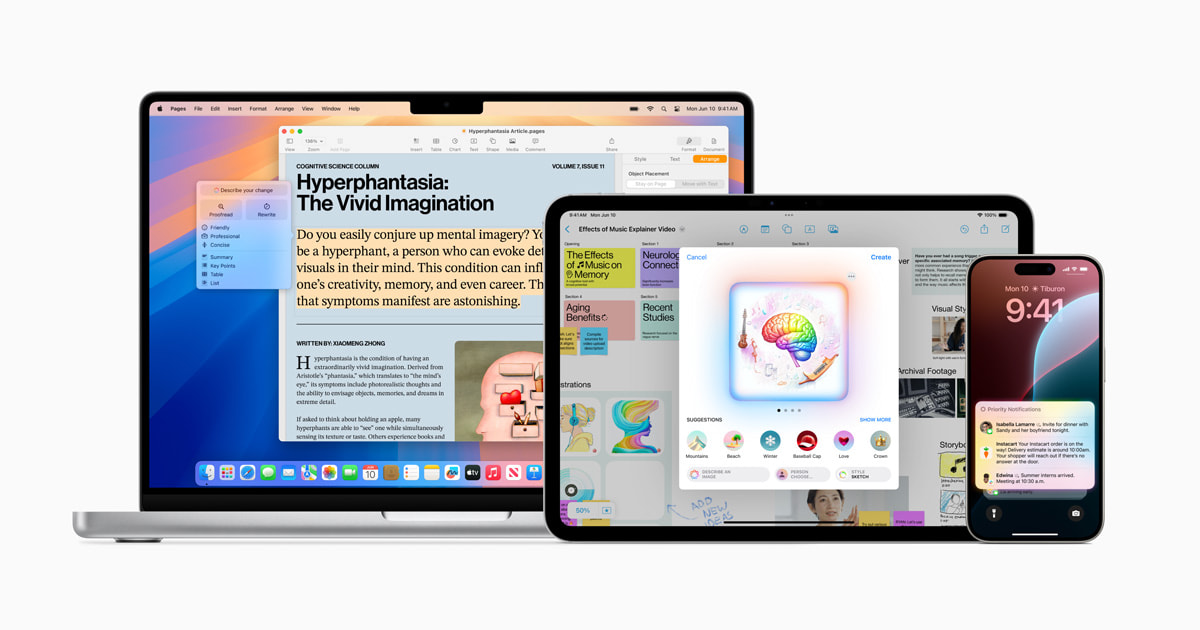
The window tiling and new continuity features like iPhone Mirroring and drag and drop look useful.
Some of the AI stuff seems to be have limited geographic availability.
Shareholders?
Some of it looks maybe useful. Other parts look gimmicky. The image generation stuff could be a powderkeg moment with creatives after the hydraulic press ad.


Seems a hard sell to go subscription on such a niche platform. I wish anyone luck that could challenge the Apple/Android duopoly though.
As an aside, can we get back into desktop cubes again? With all the upheaval in Windows land it’s the sort of eye candy that can win over new Linux users.
Any distro should be fairly stable and supported on an older Thinkpad.
I’m currently using Debian stable on my X220 and it’s rock solid.
}I think you dropped this.

macOS is really not optimised for touch though. macOS on a 13 inch iPad with a keyboard and trackpad attached would probably be usable, albeit with limited IO. But trying to use macOS with just fingers isn’t going to be much fun, especially for more complicated software.
Personally I’d rather see Apple further develop iPadOS as a touch first productivity OS, and leave macOS for the Mac.
Maybe if Apple opens up the App Store rules (willingly or not) more eventually virtualisation will be possible on an iPad, allowing people to DIY a macOS-on-iPad setup if they really wanted to.
iPadOS feels like a real bottleneck for the iPad Pro line now. All that horsepower but limited room to gallop.
I’m not an advocate of putting macOS on iPads, but iPadOS really needs to expand more, especially for things like file management and multitasking. Multiple audio channels when?
I’ve seen some people speculating based on the new Magic Keyboard having an Esc key that something dev friendly is coming so who knows.

I’ve had some failed alarms this week, my iPhone alarm had been fairly reliable before. Not sure why it’s suddenly gone awry.
Thankfully I have the bedroom lights set to turn on at the same time as the alarm is set, so I still get woken up. Yay home automation!
Using nano as a vim user is a lot less clunky than trying to use vim as a vim non-user though.
Or so I would imagine, all of the vim novices are still too busy trying to exit vim to share their experiences.
 7·6 months ago
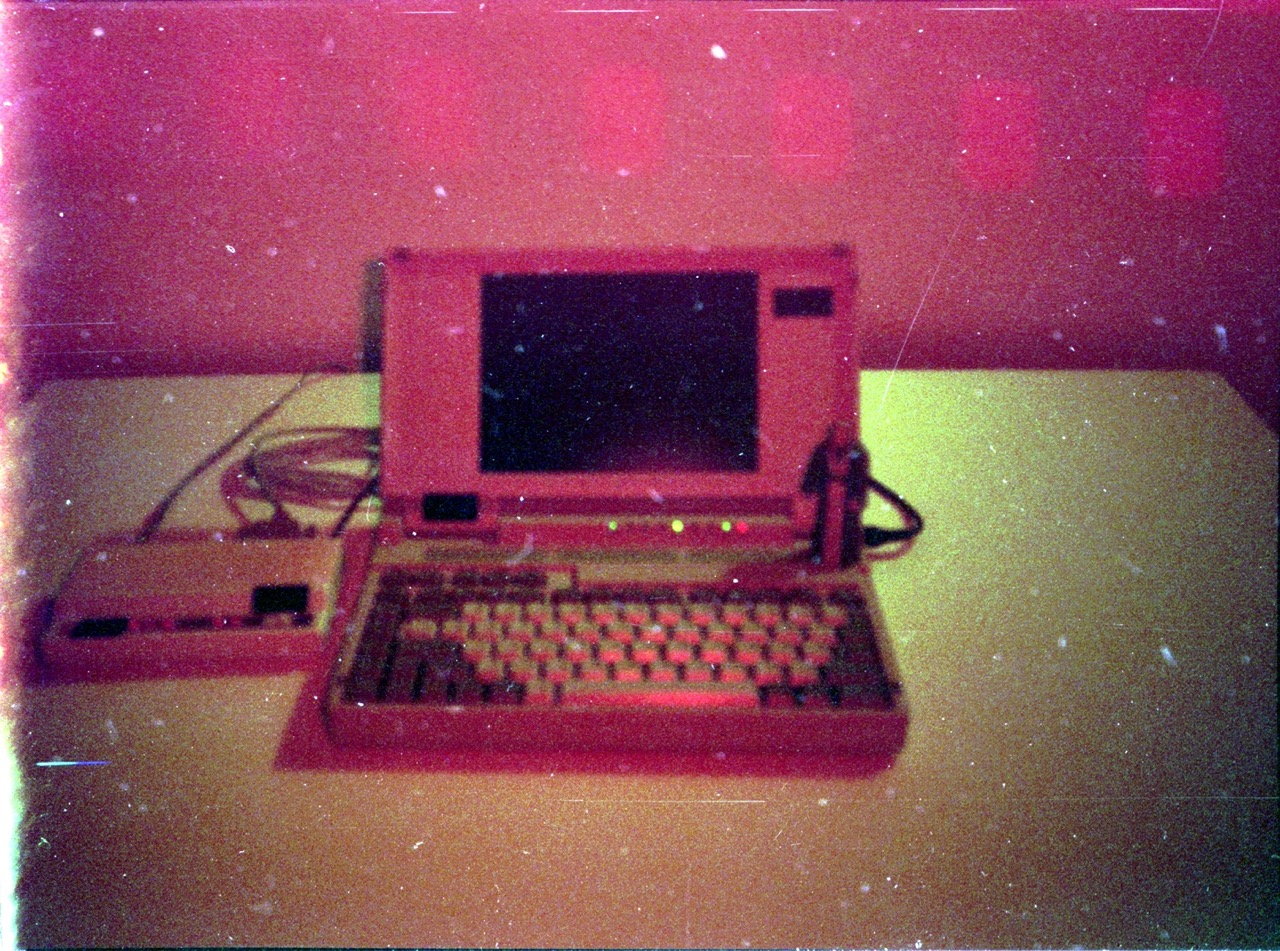
There are so many weird and wonderful BASIC dialects found on all sorts of platforms.
In Europe the PlayStation 2 shipped with a version of Yabasic on the bundled demo disc. It was an attempt to avoid some of import taxes by claiming the PS2 was a computer instead of a games console.
There is an open source implementation of BBC Basic for modern systems that’s being actively developed - BBC BASIC for SDL 2.0.










Functionally it’s harder to accidentally press on the bottom.
Although it’s also now harder to intentionally press too. It looks like a finger can fit under there, otherwise you’ll be flipping it over to power on.